terminal markdown viewer for agent workflows

A better agentic feedback flow.

Your agent writes a spec. You comment on the exact section, inline. The agent reads it instead of long conversation chunks.

$ npm i -g mdtation
GitHub
works with anything that can CLI, or you paste manually
Claude CodeCodex CLICursor CLIAmpCopilot CLI

You just left a comment. Now the agent can read it.

inspiration and friends

If herdr, hunk, and agentation had a baby.

mdtation combines ideas and flows from a few great tools.

herdrGitHub
The multiplexer mdtation lives in. Its menus, mouse and calm layout set the bar.
hunkGitHub
Diff review with a comment flow built for agents. mdtation is hunk for prose.
agentationGitHub
Click an element, copy a structured reference. That idea became mdtation's copy.
OpenTUIGitHub
The terminal renderer underneath, the same one OpenCode and hunk are built on.

feedback, the problem today

Agents ask for feedback in the worst possible places

To get the best agentic results, we give our agents feedback: on their plans, their findings, their drafts. But the conversational flow and picker tools are slow and clunky. The mdtation flow is more natural, and still terminal friendly.

Option pickers
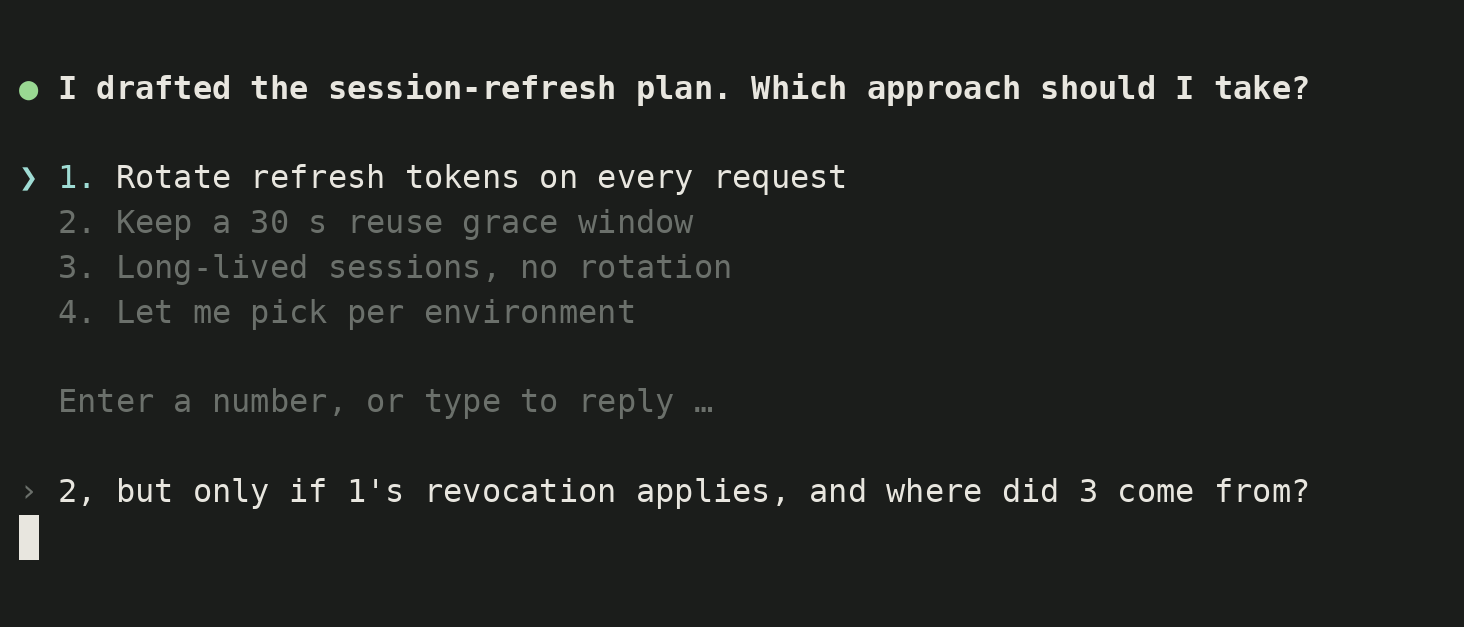
A, B or C, pick one. Your real answer is "B, but only if the second half of C", there is no box for that, and no way to ask where B came from. Clunky on a phone, too.
Itemized lists in a chat thread
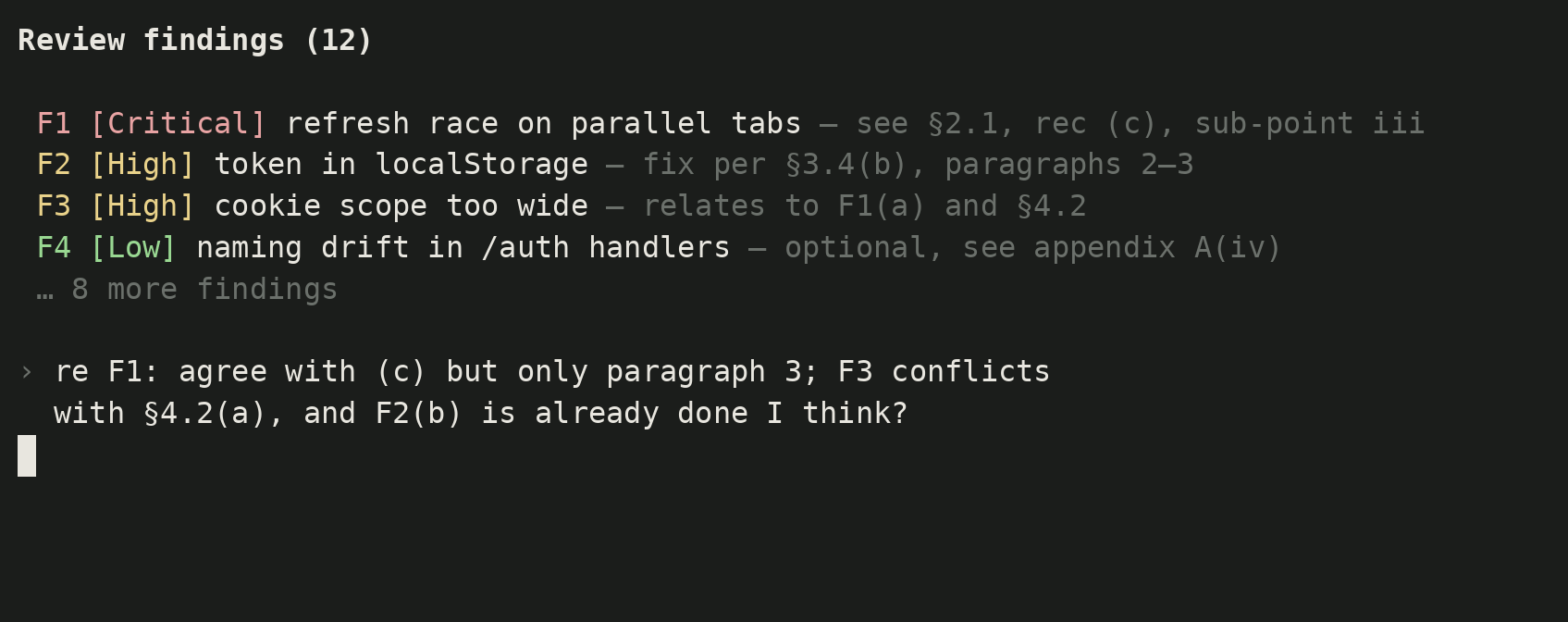
Finding F7, section 2.1, Critical 6, recommended (b). You answer by label, and by the time you type "F7 no, 2.1 yes, (b) is wrong" the list has scrolled away and you are replying from memory.
Plans as scrollback
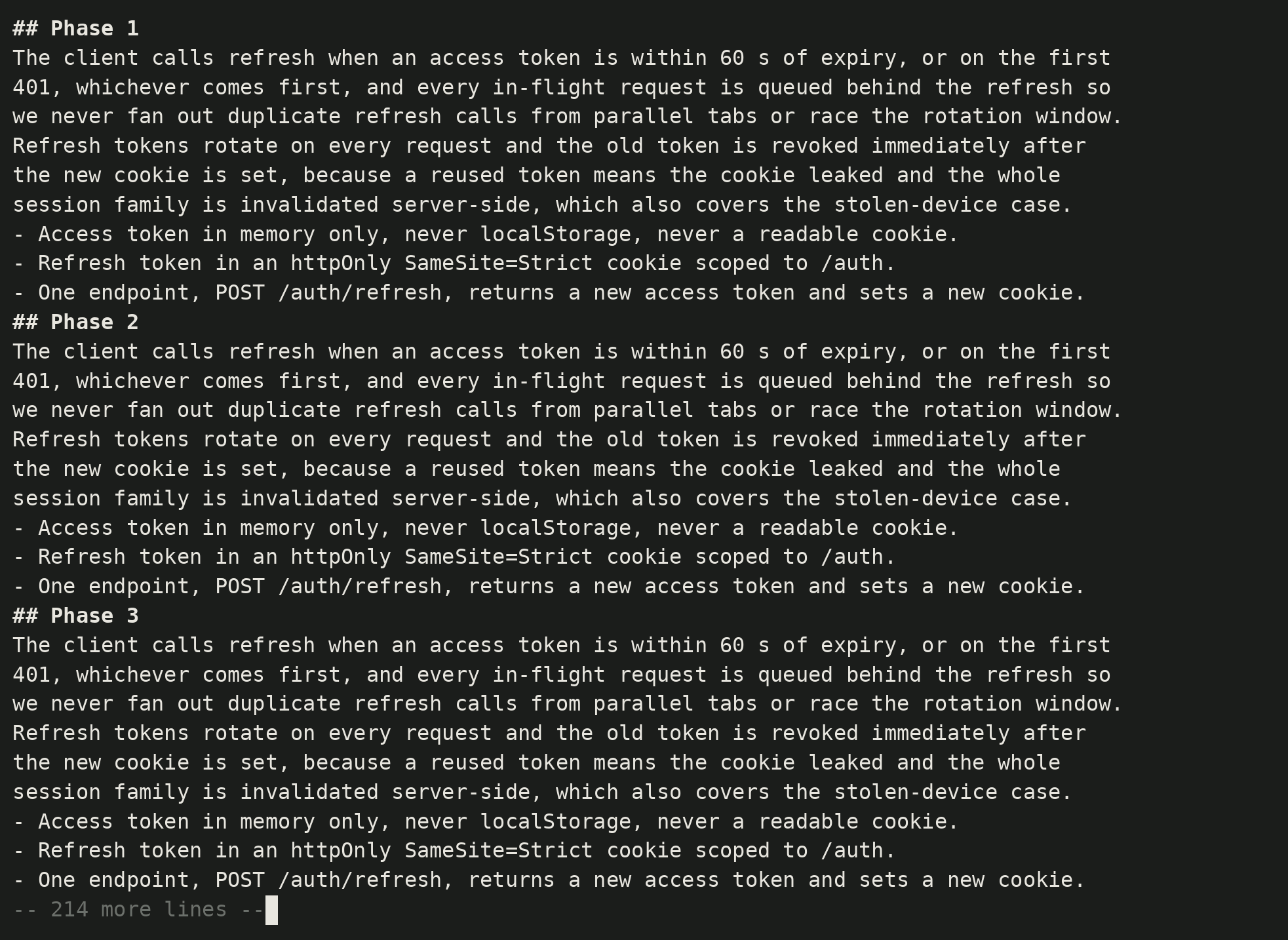
The agent wrote a 300-line spec and printed it into the terminal. You read it by scrolling a buffer, and what you think about line 140 goes nowhere.
the loop

Review the plan, not the chat.

Specs, plans, drafts, reviews: the prose around the code deserves the same review flow as the diff.

  1. 1

    The agent writes a file

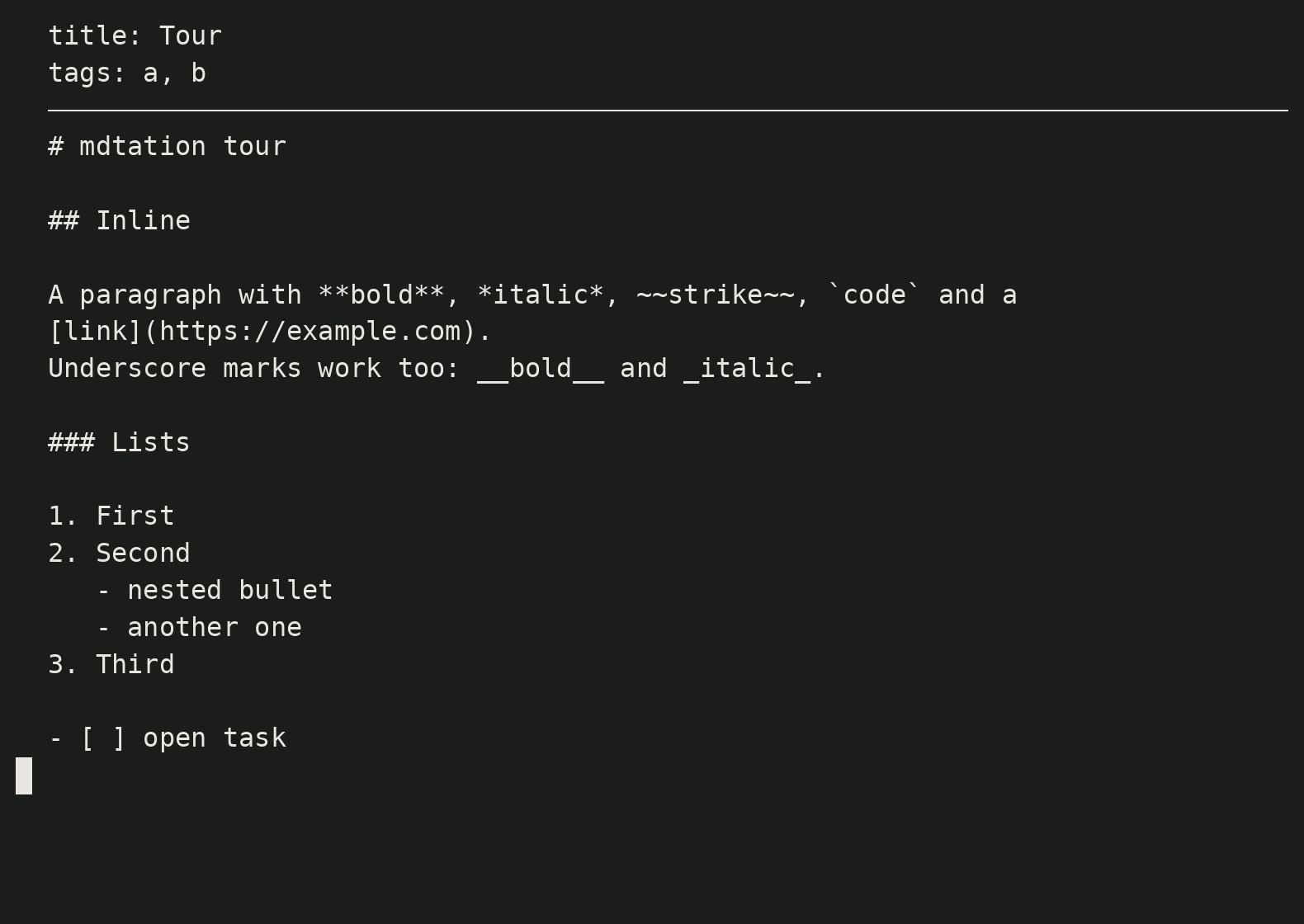
    Ask for the plan as a markdown file, not an ephemeral conversation. A file is something you can open again tomorrow. A conversation gets messier. mdtation plans/auth.md
  2. 2

    You read, comment, and copy

    Press c on a line, or drag-select a sentence, and write what is wrong. C copies it as a reference: line, section, quote, note. c, then C

  3. 3

    The agent revises, you loop

    The agent reads the report and edits the file. Open it again: your comments are still anchored. Archive what landed, go again. mdtation plans/auth.md list

What lands on the clipboard Line, section path, quote, note. Plain text, no schema to learn.

clipboard
Line 41  Auth / Session refresh
    Refresh tokens are rotated on every request and the old token is
    revoked immediately.
> Immediate revoke breaks parallel requests from the same tab. Keep a 30 s grace window, then revoke.
Line 58  Auth / Logout
    Logout clears the cookie and does nothing server-side.
> Also revoke the refresh token, otherwise the cookie is the only thing keeping the session out.

built for agents

Paste it into any agent

Plain markdown with a line number, a heading path, the passage and your note. For a whole review, mdtation file.md list prints every comment as one report.

works with anything that can CLI, or you paste manually
Claude CodeCodex CLICursor CLIAmpCopilot CLI
claude
Read the comments I left on plans/auth.md by running `mdtation plans/auth.md list`.
Address each one in order, then rewrite the file in place.
Keep the headings so my remaining comments stay anchored.
features

Everything a viewer should have had

Menu bar, command palette, settings. View toggles are remembered.

  • Caret, wheel, click

    j and k move a caret, the wheel scrolls like a desktop app and the caret keeps up, and a click puts it on any row. You always know which line you are on.

  • Menu bar and command palette

    File, View, Navigate, Edit, Comments, Help in a real menu bar. / filters the same commands by title. Toggles that are already on read as Hide.

  • Narrow terminals

    Prose reflows and the menu bar collapses at phone width, so a tmux split or a small SSH session is still readable.

Frequently asked questions